Mountain frost dragon
i wanted to create an image of a dragon, mid-flight letting loose a stream of fire. When making the landscape, because i chose quite a remote location i decided to then change the nature of the dragon from a fire dragon to an ice dragon and further experiment with photoshop effects to see if i could re-create what looked like frost breath, as opposed to fire.

I started by creating a basic sky and ground, seperated by a simple mountain range made with a photoshop brush.

i then added in a layer of forest, taking care to follow the curvature of the valley, distance and perspective.

i wanted to go for quite a gloomy, overcast look so i darkened the sky.

I then added in some mist around the mountains and the forest floor, trying to give the impression of high altitude.

adding in a darker, thicker mist and cloudscape helped bring the image together a little better.

For the dragon i started by combining different dragons, experimenting with perspectives and looks. At first i wanted to draw a Wyvern type dragon (only two back legs and wings).

However i felt something was missing so i decided to add in the forearms, trying to position them to show a sharp, angled turn mid flight.

I then added shading to give the dragon form and depth. This was done by using a soft brush and lowering the opacity. Layering it on top of one another, helping add depth to the dragon.

i added some harder shading to give the drawing some depth and perspective.
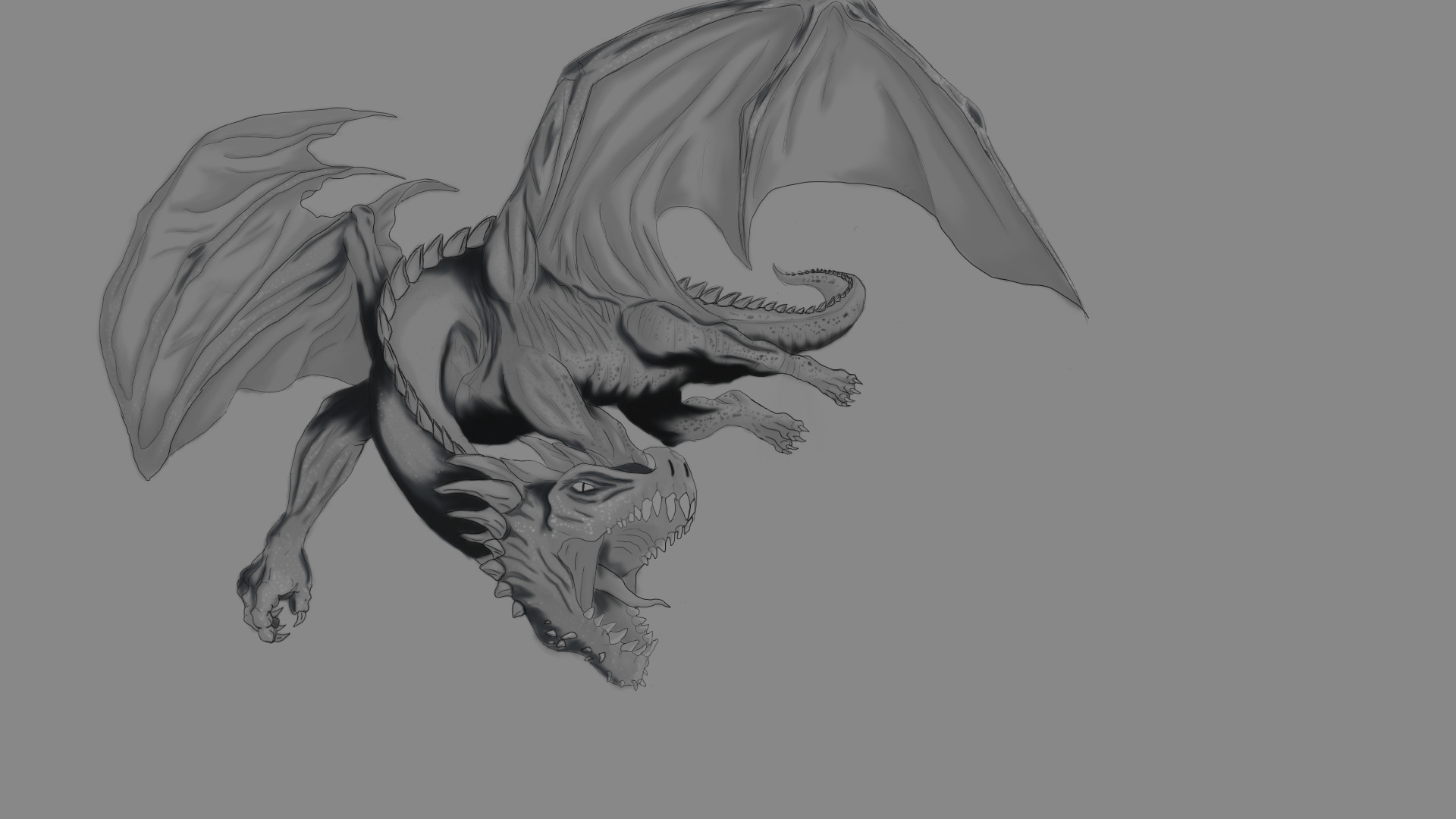
Enhanced the shading a little more.

Next i added colour, i wanted to try experiment with some effects at a later stage so i decided to choose colours that reflect a frost dragon.

The image looked a little flat so i added some bright white highlights to try and make the image stand out a bit more.

Finally added some colour balance to brighten the image.

I then added the dragon on top of the landscape i made earlier. The two images didnt really blend together well enough though.

To solve this issue i decided to make use of the overcast look on the landscape and add some rain. I think this brought the images together a bit better however the rain was only falling behind the dragon.
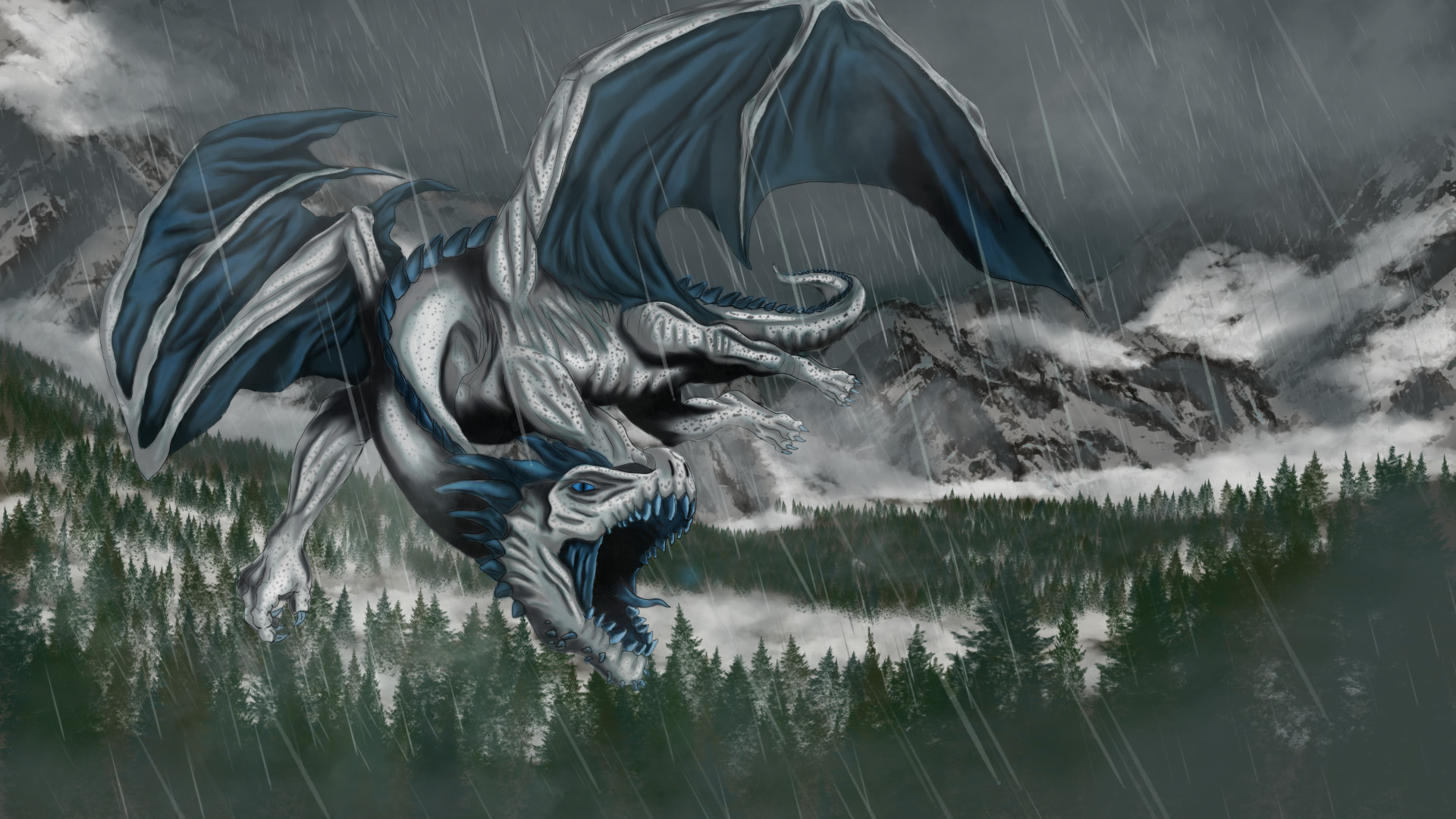
i quickly added another rain layer in front of the dragon with a bit of extra mist to blend all the components together.

Finally i started experimenting with the effects i mentioned earlier. I used several different brushes overlapping each other and added colour and effects to the layer.